Create Your Own Custom Gaming Business Cards

Roblox Business Cards
Create personalized business cards featuring your Roblox avatar, username, and a QR code linking directly to your Roblox profile. Perfect for sharing with friends at school, camp, or gaming events.
Create Roblox Card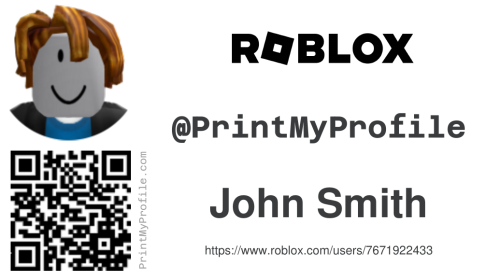

Fortnite Business Cards
Create custom Fortnite business cards with your username in Victory Royale gold and an optional QR code linking to your Fortnite Tracker profile. Great for sharing with squad mates.
Create Fortnite Card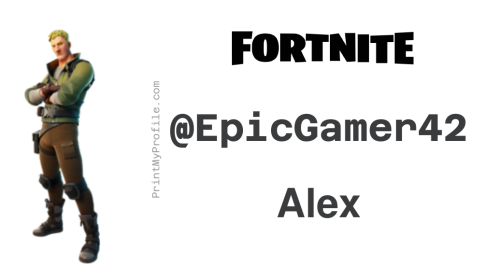

Steam Business Cards
Generate professional business cards with your Steam avatar, display name, and a QR code to your Steam profile. Great for LAN parties, tournaments, and online communities.
Create Steam Card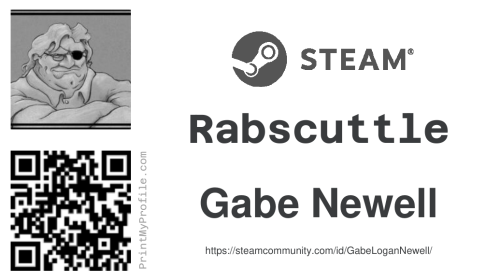

Discord Business Cards
Generate custom business cards with your Discord avatar, display name, and a QR code to your Discord profile. Great for gaming communities, server owners, and events.
Create Discord Card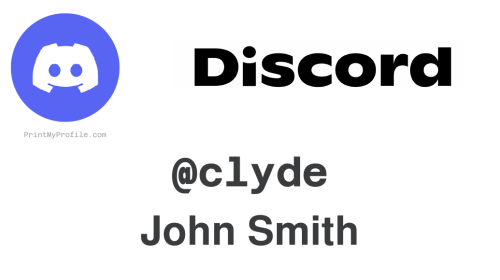

Minecraft Business Cards
Design custom business cards with your Minecraft skin, player name, and a QR code to your NameMC profile. Choose from multiple avatar styles including face, bust, and full body.
Create Minecraft Card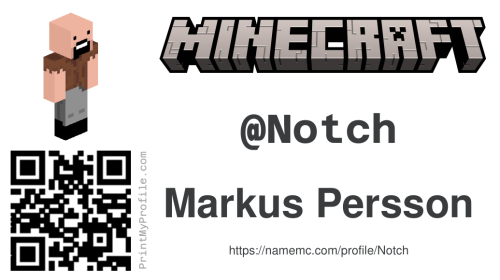
Multi-Platform Business Cards
Put all your gaming usernames on one card. Add Roblox, Minecraft, Steam, Discord, and Fortnite with a live preview. Choose horizontal or vertical layout.
Create Multi-Platform Card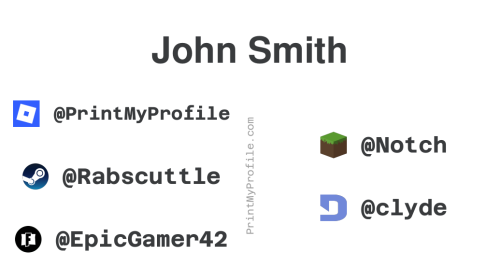
What Is PrintMyProfile.com?
PrintMyProfile.com is a free tool that generates printable business cards for your gaming profiles. Pick your platform — Roblox, Minecraft, Steam, Discord, or Fortnite — or use our multi-platform card to put all your usernames on one card. Get a PDF of business cards you can print and hand out to friends, classmates, or fellow gamers.
Each card is automatically generated with your gaming avatar, username or gamer tag, your name, and a unique QR code that links directly to your gaming profile. The cards are formatted as a high-quality PDF with eight cards per page, designed to be printed on standard 8.5" x 11" letter-sized paper and cut along the included guides.
Everything runs in your browser — no account required and no software to install. Choose your platform, enter your info, and click submit. Within seconds, you'll have a ready-to-print PDF with your avatar pulled directly from the platform's servers.
Why Gaming Business Cards?
Gaming business cards are a fun way to share your online identity in person. Here are some ways people use them:
- School and camp: Kids and teens love trading cards with friends. A personalized gaming business card is more meaningful than a generic trading card — it's uniquely yours.
- Gaming events and conventions: Whether you're attending a Minecraft meetup, a Roblox developer conference, or a Steam-powered LAN party, handing out a professional card makes a lasting impression.
- Content creators and streamers: If you stream on Twitch, create YouTube content, or build Roblox games, business cards help promote your brand in person.
- Esports and tournaments: Competitive gamers can use cards to network with teammates, opponents, and sponsors at events.
How It Works
Choose the gaming platform you want to create a card for — Roblox, Minecraft, Steam, Discord, or Fortnite. Enter your name and your gaming username (or Steam vanity URL). For Discord, you can login with your Discord account to automatically pull in your avatar and display name, or enter your username manually. We'll generate a printable PDF.
The PDF contains eight identical business cards arranged in a 2x4 grid. Each card includes your avatar, platform logo, gamer tag, your name, a direct link to your profile, and a scannable QR code. Print the page, cut along the dotted lines, and you're good to go.
All of our card generators are free to use with no limits on how many times you can generate cards. Updated your avatar? Just generate a new set. Want cards for multiple platforms? Use all five generators.